How it works
From phone snapshot to menu-ready photo
No studio, no lighting rig, no editing software. Here is the entire process behind AI food photo enhancement — and exactly what the AI changes versus what it leaves alone.
The five steps
Photograph your dish
Plate the dish as you would serve it and take a photo with your phone. Natural light near a window gives the best starting point, but the AI can work with typical restaurant lighting too.
Upload to FoodPhoto.ai
Open foodphoto.ai in your browser, upload the photo, and you're in. There is nothing to install and no design skills required.
Choose a style
Pick from preset looks — clean white studio, warm & cozy, dark & moody, natural light, outdoor patio, editorial, rustic artisan, and more. Use the same style across your menu for a consistent look.
AI enhancement
The model relights the dish, removes background clutter or replaces the backdrop, corrects white balance and color, and sharpens texture — while keeping the food faithful to your original photo.
Export every format
Download the result in the exact crops delivery platforms expect, square and vertical formats for social media, and high-resolution files for print menus and your website.
One credit = one photo
Each enhanced photo costs one credit, and that includes all the export formats for that photo. See how pricing works →
What the AI changes — and what it doesn't
The single most important thing to understand: this is ingredient-faithful enhancement, not image generation from scratch. The output is your dish, presented better.
✓ Enhanced
Lighting direction and softness · shadows and highlights · background (cleaned or restyled) · white balance and color vibrance · sharpness and texture detail · composition and crop · export resolution.
✕ Never changed
The dish itself: ingredients, toppings, portion size, and plating stay true to your original photo. Your customers should get exactly what the picture promises.
The style presets
Every photo can be rendered in any style — these are real outputs from FoodPhoto.ai. Most restaurants pick one style and apply it across the whole menu for a consistent brand look.
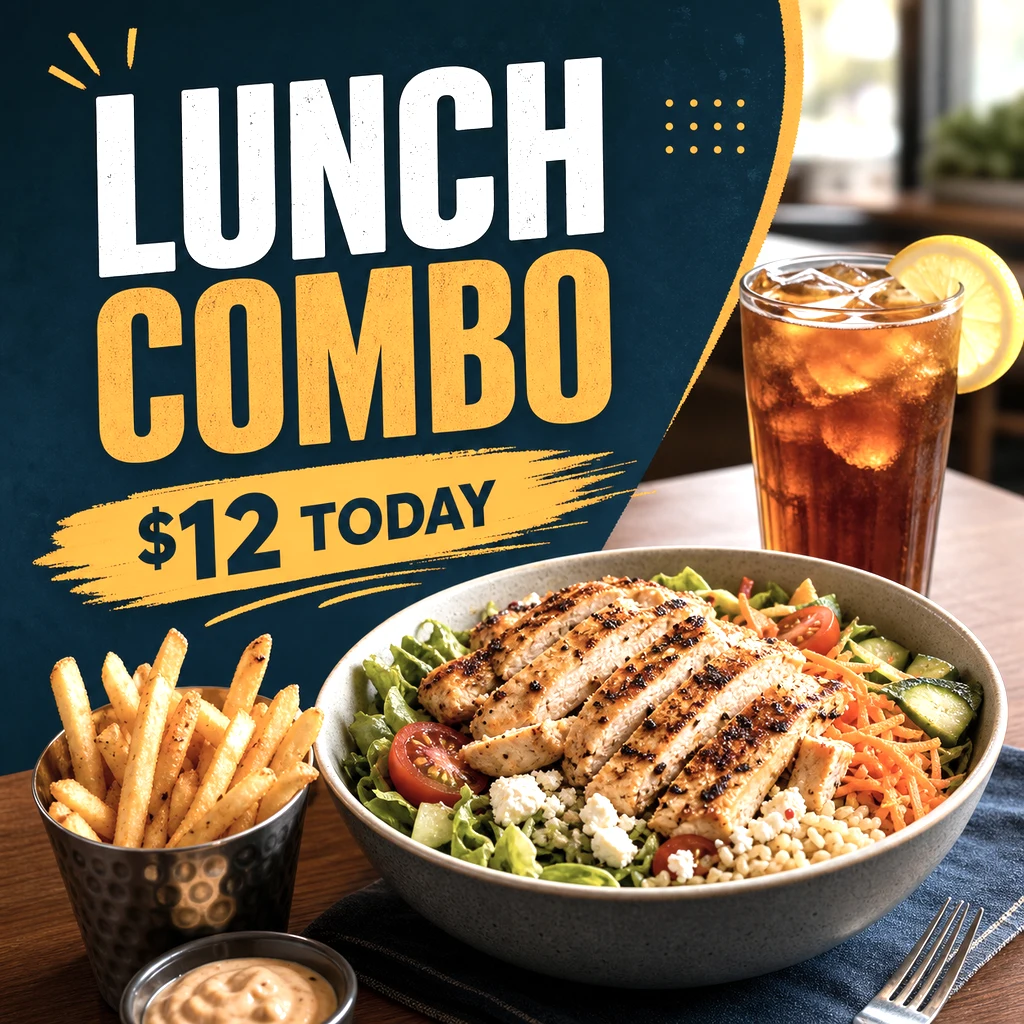
Studio white
The delivery-app classic: clean, bright, distraction-free.
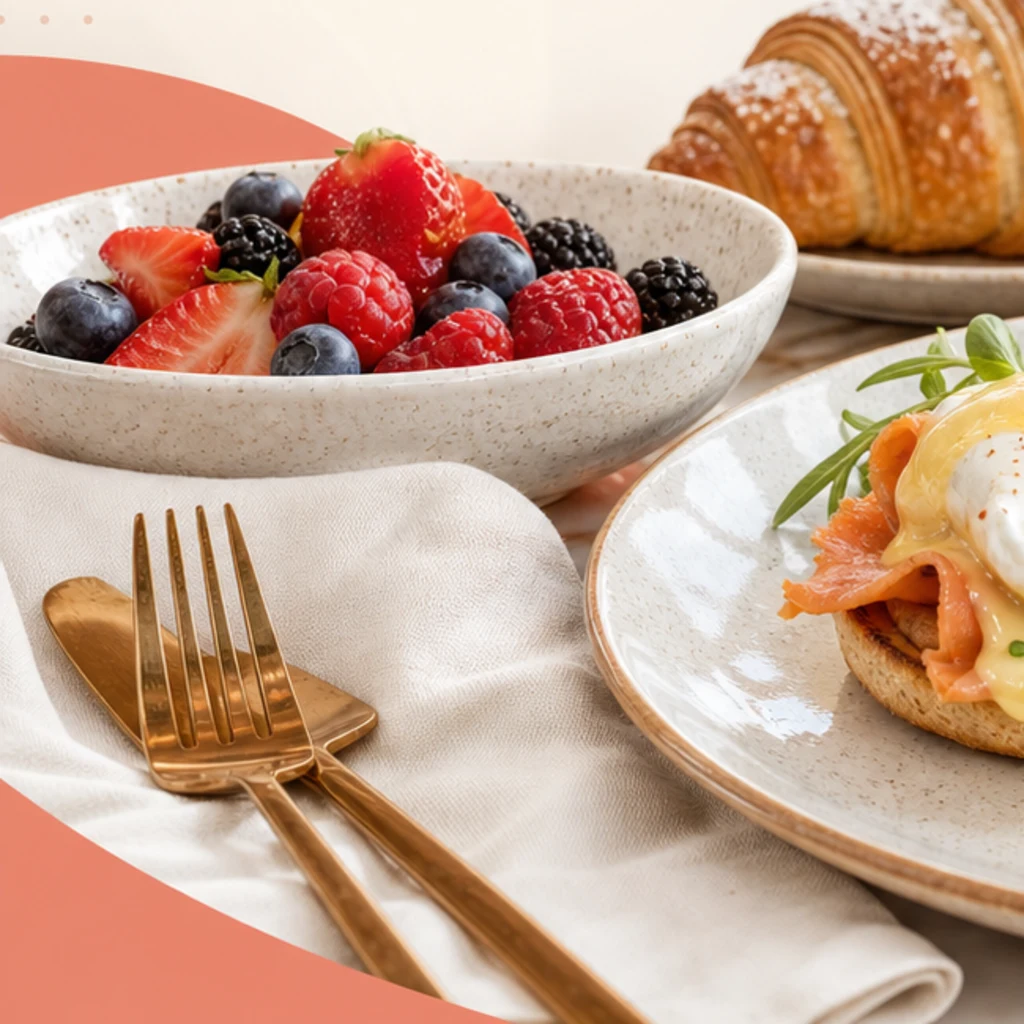
Warm & cozy
Soft golden light, ideal for comfort food and bistros.
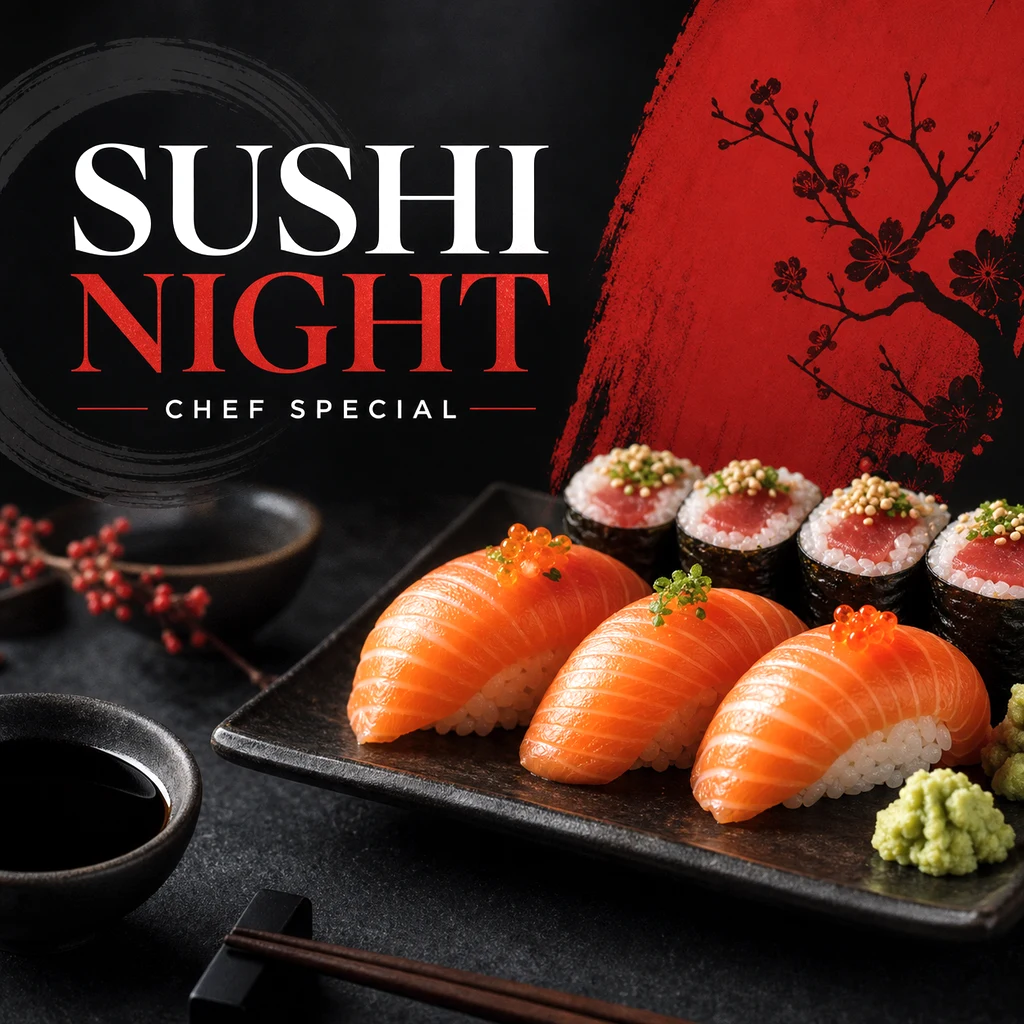
Dark & moody
Dramatic, upscale look for fine dining and steakhouses.
Natural light
The fresh, honest window-light look cafés love.
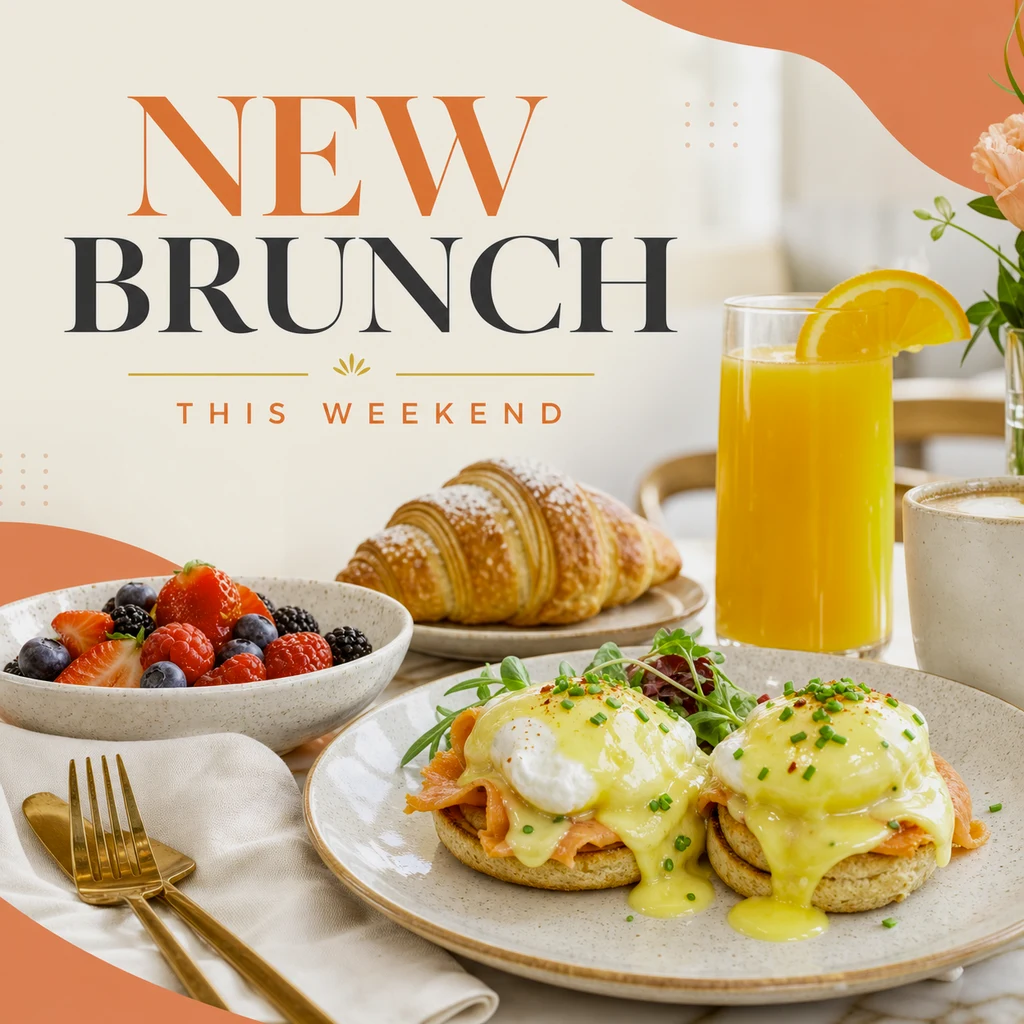
Outdoor patio
Al-fresco daylight feel for brunch and summer menus.
Editorial
Magazine-style composition for campaigns and websites.
Rustic artisan
Wood, linen, and texture for bakeries and farm-to-table.
Vibrant commercial
Punchy, saturated advertising look that pops on small screens.
Common questions about the process
Do I need a good camera?
No. Any modern phone camera is enough. The AI handles the lighting and styling — your job is just a clear, in-focus photo of the actual dish. Our source photo guide has five simple tips that noticeably improve results.
How long does one photo take?
Enhancement runs in the cloud and typically completes in well under a minute per photo, so a full menu can be done in a single sitting rather than a scheduled shoot day.
Will the AI invent food that isn't in my photo?
No — that's the point of ingredient-faithful enhancement. The dish in the output matches the dish in your input. The AI restyles the presentation (light, background, color), not the food.
What formats do I get?
Every enhanced photo can be exported in delivery-platform crops, square and vertical social formats, and high-resolution files for web and print — all included in the one credit for that photo.