AI food photography, explained
Studio-quality menu photos, from the phone photos you already have
AI food photography takes a real photo of your dish and fixes the things a studio would — lighting, background, color, and crop — without changing the food itself. This site shows you exactly what that looks like, how it works, and what it costs.
Preview generations are available without a card. The target paid catalog starts with a $10 Menu Test Pack.
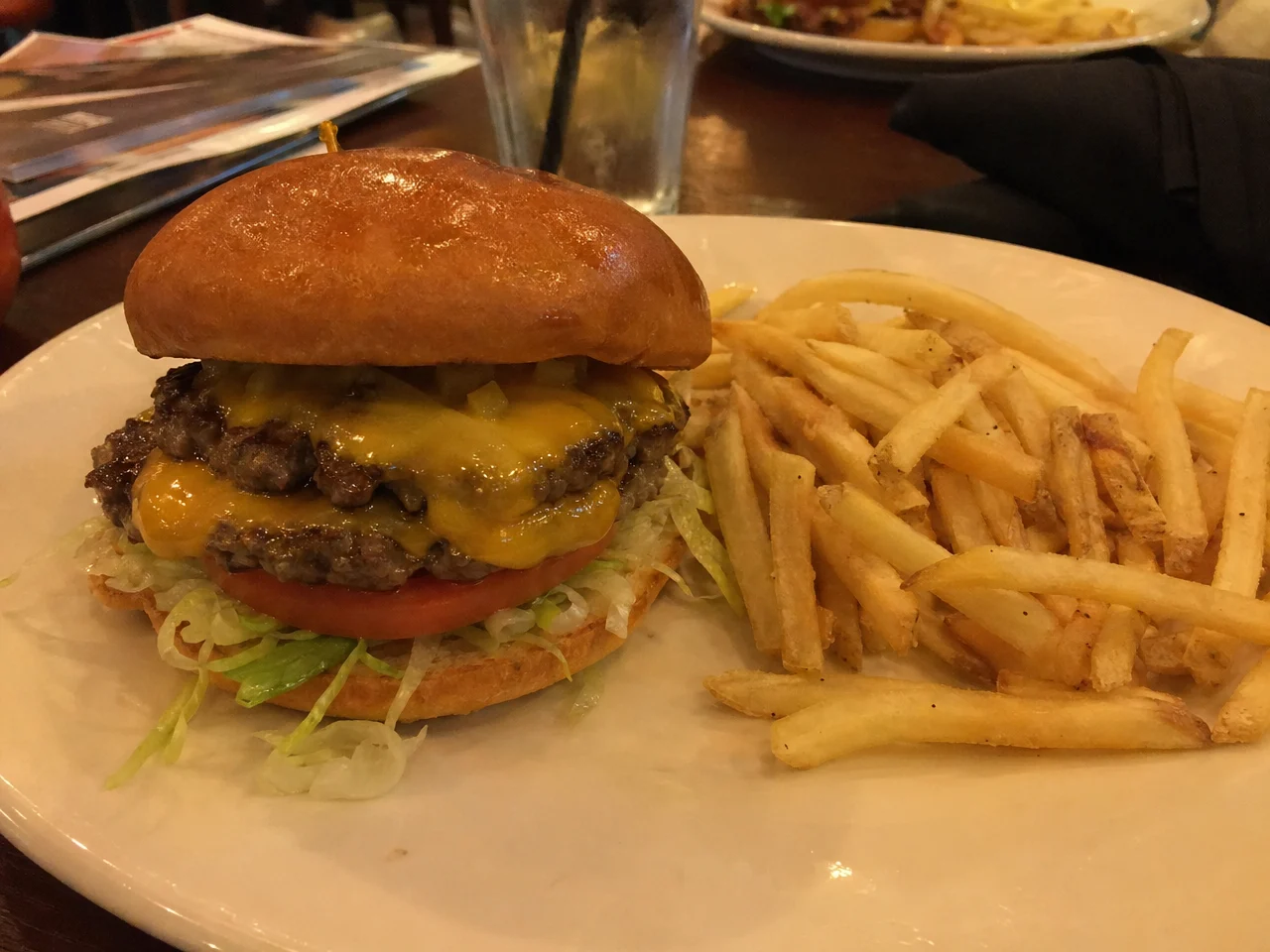
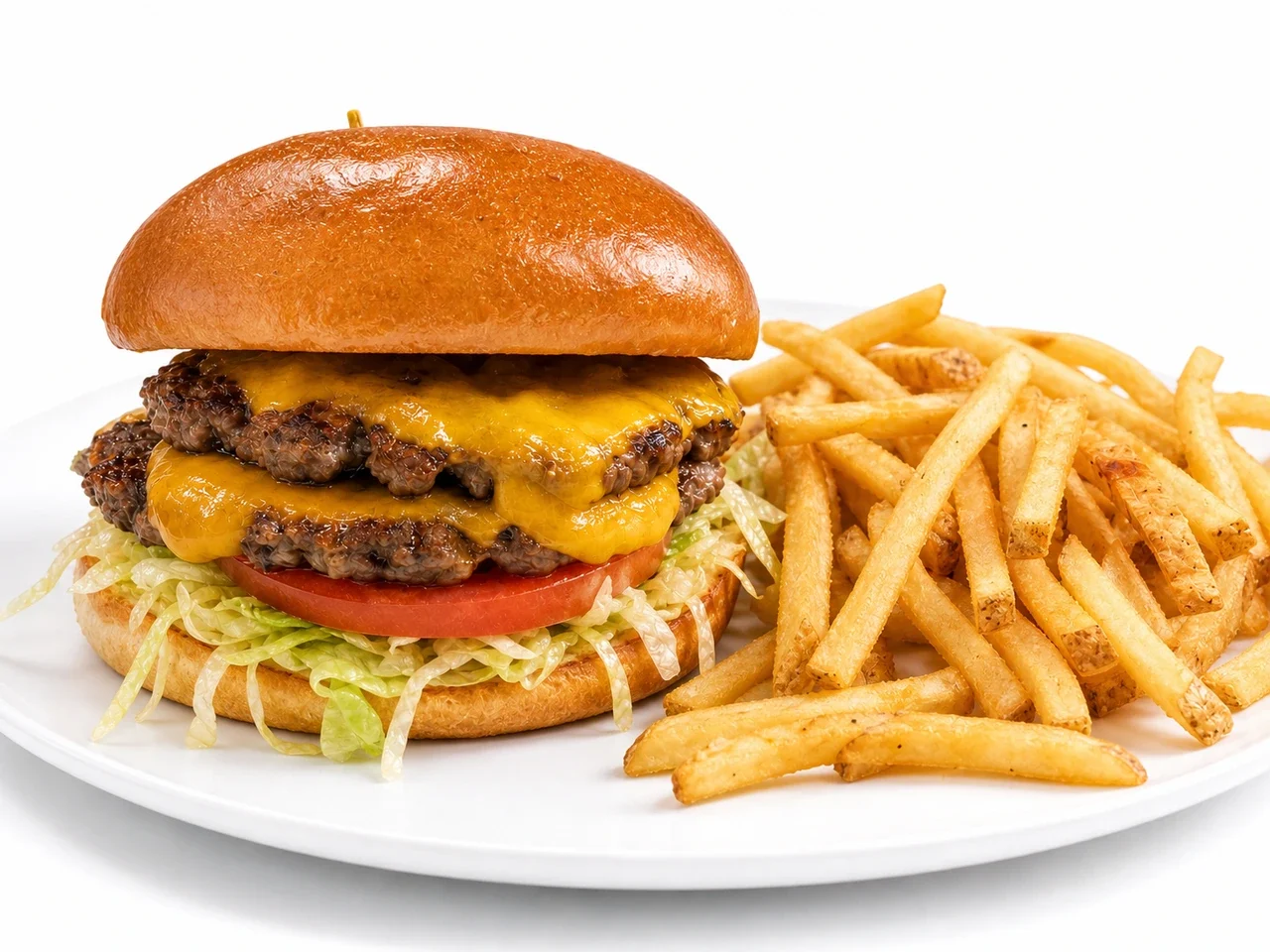
The same burger. One phone photo, one AI enhancement.
The photo on the left was taken with a phone in normal restaurant lighting. The photo on the right is the AI-enhanced version of that same photo — same burger, same ingredients, professional lighting and background.
What is AI food photography?
It is photo enhancement, not photo invention. Tools like FoodPhoto.ai start from a real picture of your actual dish and use AI to relight it, clean up the background, correct colors, and export it in the exact crops that menus, delivery apps, and social media need. The food in the final image is your food — the AI never swaps in someone else's dish.
What the AI improves
Lighting and shadows, background clutter, color balance, sharpness, composition, and crop. The things that separate a phone snapshot from a studio shot.
What stays untouched
Your actual dish: the ingredients, portion size, and plating. Honest photos matter — customers should receive what they saw on the menu.
Why it matters
On delivery apps and digital menus, the photo is your storefront. Better photos mean your dishes get noticed — without booking a studio for every menu change.
How it works, in three steps
Photograph your dish
Use your phone. Near a window is best, but any reasonably clear shot of the actual dish works as a starting point.
Upload & pick a style
Upload to FoodPhoto.ai and choose a look — studio white, warm & cozy, dark & moody, outdoor patio, and more.
Download menu-ready photos
The AI relights and cleans up the shot, then exports every crop you need: delivery apps, social posts, print menus, web.
What does it cost?
A traditional food photography shoot is a project: scheduling, studio time, editing, and a bill that usually runs into the hundreds. FoodPhoto.ai offers no-card preview generations. Its target paid catalog starts with a $10 one-time Menu Test Pack (10 credits), with monthly plans from $15 for 50 credits. Purchases reopen after Apple's storefront matches those terms.
Guides for restaurant owners
Short, practical reading — no jargon, no fluff.
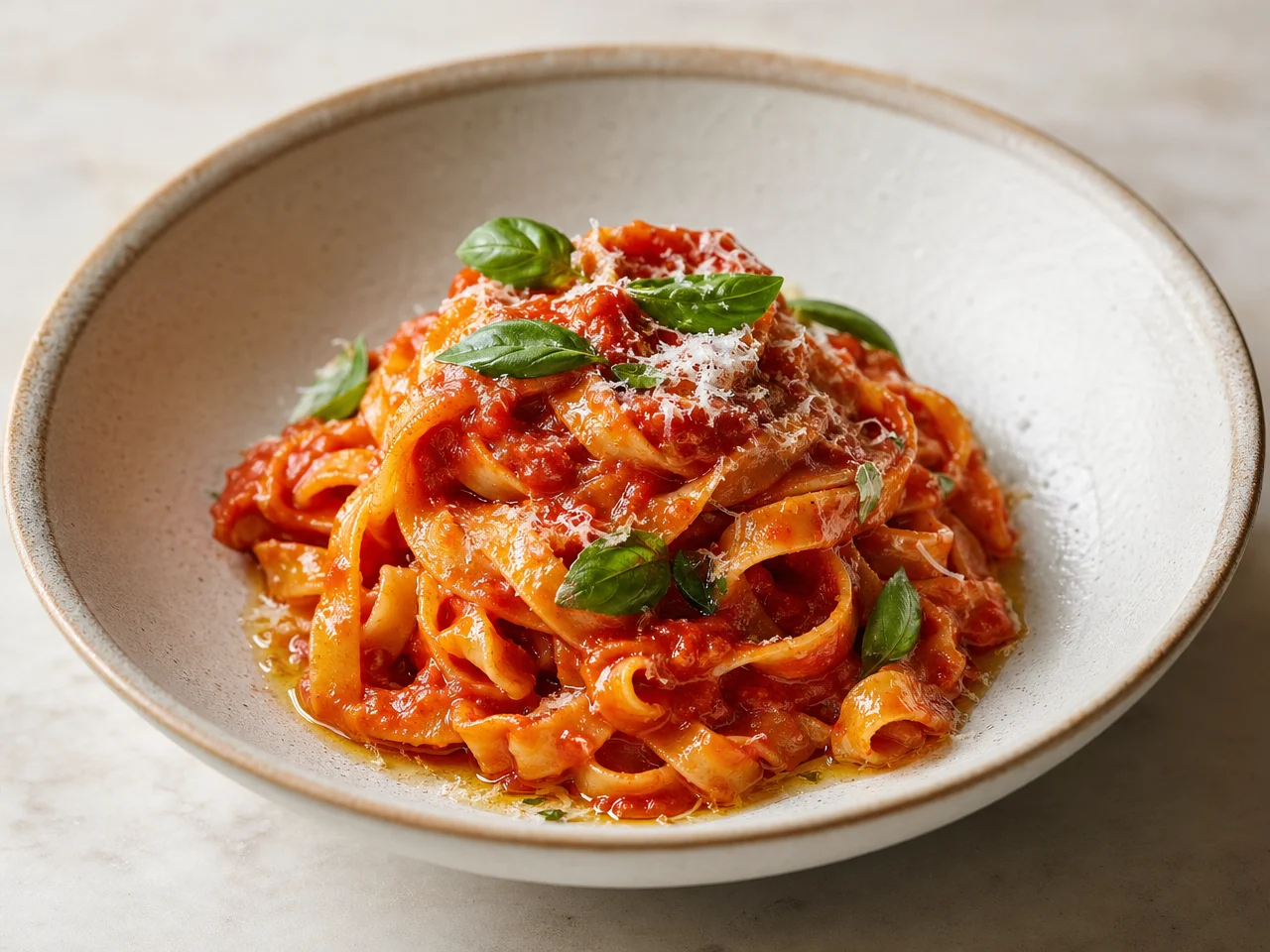
What is AI food photography?
A plain-English guide to how it works, what it can and can't do, and when it makes sense.
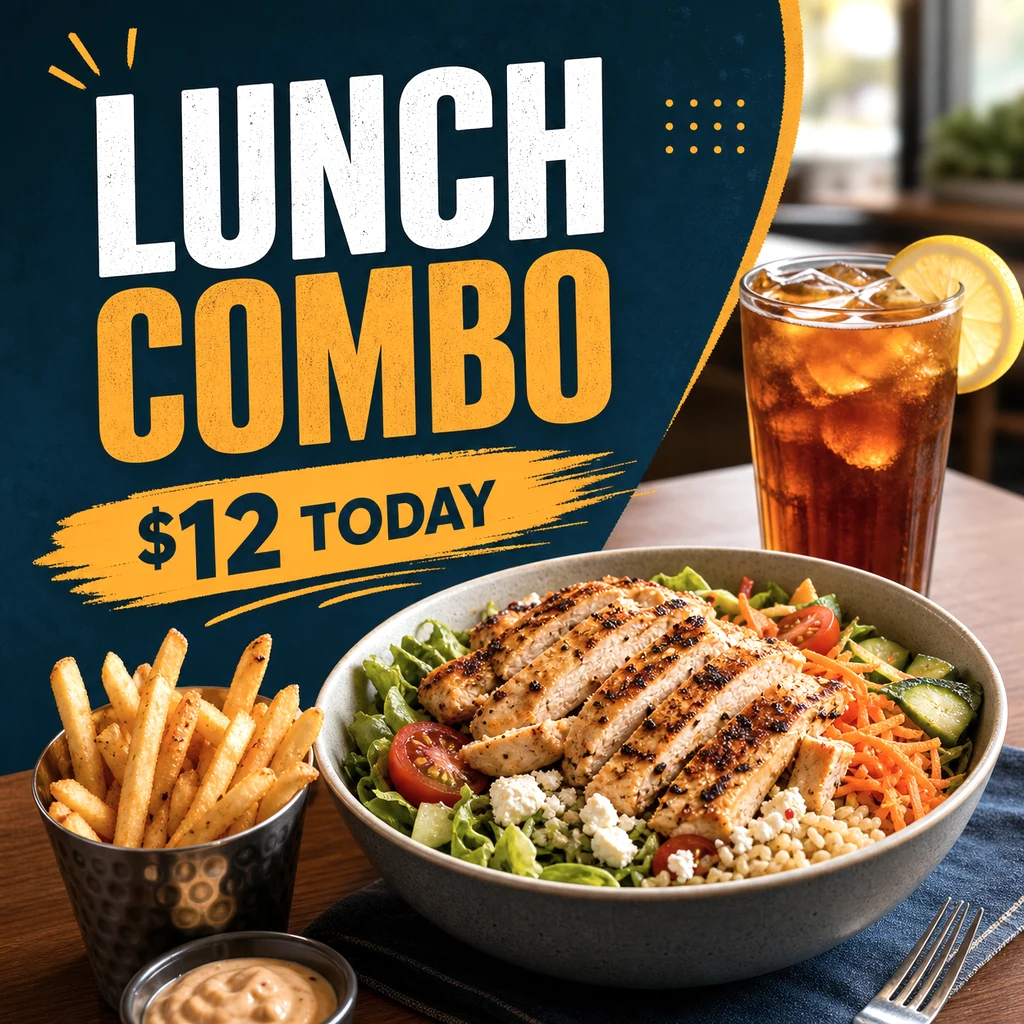
AI vs hiring a photographer
Cost, speed, and quality compared honestly — including when a human photographer is still the right call.
Menu photos that sell
How to take a good source photo with just your phone — the better the input, the better the result.